How to Preorder iPhone 17
by 29 July, 2025 5:47 am0
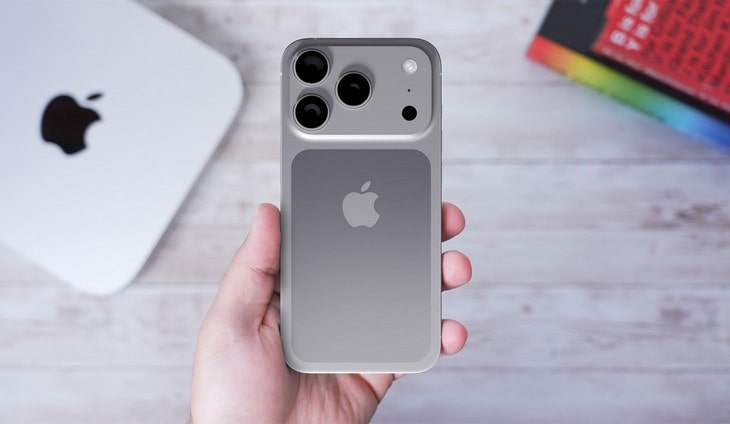
Ever wish you could claim the latest iPhone 17 before everyone else? The iPhone 17 preorder window is almost here, and a little preparation goes a long way, especially when considering the iPhone 17 release date. Anticipation is high, so knowing what to expect from preordering—and why it matters—can give you an edge. This article walks you through every essential step for a successful iPhone 17 preorder so you’re ready to experience Apple’s newest release.
The iPhone 17 pre order process can feel overwhelming at first glance; that’s normal, but with a bit of direction, you’ll breeze right through. From double-checking your Apple ID to picking the right storage option, we’ve got it covered. Ready to find out how to secure your spot in line? Let’s jump in and see how iPhone 17 preorders work.
Table of Contents
1. Introduction to iPhone 17 Preorder
2. What to Know Before You Preorder
3. Preparing for iPhone 17 Preorder
4. How to Preorder iPhone 17 Online
5. In-Store iPhone 17 Preorder Options
6. Payment and Financing Choices
7. Tracking Your iPhone 17 Preorder
8. What to Do If Preorders Sell Out
9. Frequently Asked Questions About iPhone 17 Preorder
10. Conclusion and Key Takeaways
What to Know Before You Preorder: Understanding iPhone 17 availability
Release Date Expectations
The iPhone 17’s release date is causing quite a stir, and staying on top of the latest news is smart. While Apple usually debuts new iPhones in September, talk is swirling that this year could shift the schedule into October. That means you might need to adjust your preorder plans a bit. Think back to the iPhone 13: chip shortages delayed those preorders and left many people waiting longer than they hoped.
Keep an eye on official Apple channels for any announcement about the iPhone 17 date. That way, you can plan your preorder carefully and sidestep last-minute headaches.
Suggested Reading: iPhone 17: Release Date, Features & Specs
Anticipated iPhone 17 Models
Four models are expected for the iPhone 17 lineup: iPhone 17, iPhone 17 Pro, iPhone Pro Max, and iPhone 17 Air. Each brings its own set of features, price tags, and storage options. For instance, rumor has it the iPhone 17 Pro gets a major camera upgrade—Ming-Chi Kuo, a reliable tech analyst, predicts this will be a star attraction. The Mini appeals to those wanting a compact device, while the iPhone Pro Max is popular with fans of larger screens.
Prices are likely to span $799 to $1,499, depending on storage and features. Take your time comparing the models and pricing so you end up with the right phone for your needs and budget.
Key Features Comparison
| Model | Storage Options | Price Range | Key Features |
|---|---|---|---|
| iPhone 17 | 64GB, 128GB, 256GB | $799 – $1,049 | 6.1-inch display, dual-camera setup |
| iPhone 17 Pro | 128GB, 256GB, 512GB | $999 – $1,299 | 5.8-inch display, triple-camera setup |
| iPhone 17 Pro Max | 128GB, 256GB, 512GB | $1,099 – $1,499 | 6.5-inch display, triple-camera setup |
| iPhone 17 Air | 64GB, 128GB, 256GB | $699 – $949 | 5.4-inch display, dual-camera setup |
Preparing for iPhone 17 Preorder
Check Your Apple ID
Before you get swept up in preorder excitement, make sure your Apple ID is current and ready. Without a working Apple ID, you risk missing your chance. Updating is easy—just head over to the Apple ID site and follow the steps.
It’s wise to check for errors or old info now. Ironing out any kinks ahead of time means you won’t hit a snag when it’s crunch time.
Update Payment Information
Double-check your payment details before launch day. If your card has expired or your info isn’t right, your preorder could stall. Log into your Apple ID account and update your payment methods; it only takes a couple of minutes.
You might want to add an extra payment method like PayPal or a backup card, just in case your go-to option doesn’t work when the preorder opens. A little backup never hurts—it’s an easy way to avoid any last-second stress at checkout.
How to Preorder iPhone 17 Online
Navigating to the Preorder Page
Finding the iPhone 17 preorder page on launch day might seem tricky, but it’s really just a matter of knowing where to click. Start on Apple’s homepage, select the “iPhone” tab, then pick your iPhone 17 model and storage size from the menu.
According to a recent survey, three out of four iPhone users prefer preordering online over in-store shopping. No wonder: it’s fast, convenient, and you can do it all from your couch.
Selecting Your Model and Color
Picking your model and color doesn’t have to be stressful. Start by setting your budget and listing out the features you care about most. Then, compare models to see what fits you best—maybe it’s the expansive Pro Max, or perhaps the handy Mini wins you over.
Don’t forget: color can be a fun way to show off your style. Once you’ve weighed your options, you’ll land on the right iPhone 17 to call your own.
In-Store iPhone 17 Preorder Options
Locating Participating Stores
If you like a hands-on approach, you can preorder in person at participating Apple Stores or authorized retailers. Finding one nearby is easy—pull up the Apple website or app, punch in your location, and you’ll see a list of stores offering in-store preorders.
In-store support has its perks: Apple staff are ready to answer questions, offer advice, and walk you through any part of the process. Sometimes it pays to get expert help face-to-face.
Stay Ahead in Tech — Trusted Reviews That Matter
We’ve tested hundreds of software and hardware products so you don’t have to.
Payment and Financing Choices
Accepted Payment Methods
Apple accepts a range of payment methods, from credit and debit cards to monthly installment plans. Using a credit card can earn you rewards, but there’s always the risk of interest charges if you carry a balance.
Prefer to space out payments? Financing lets you break up the cost over several months; just be sure to read the terms, as fees and interest can add up. Picking the right payment option can make your preorder experience much simpler.
Tracking Your iPhone 17 Preorder
Order Confirmation Email
Once you place your preorder, a confirmation email arrives with your receipt and tracking info. This message is your go-to reference for order status and shipping updates.
Keep an eye on your inbox—sometimes these emails land in spam. If it doesn’t show up, reach out to Apple support for help so you’re not left wondering where your new phone is.
What to Do if Preorders Sell Out
Waitlist and Backorder Options
Find the iPhone 17 sold out already? Don’t lose hope. You can join a waitlist or place a backorder: the waitlist gives you a spot in line for the next available stock, while backorders ship your device as soon as it’s restocked.
Wait times may vary, but both options let you reserve your phone without constantly refreshing the page. Sometimes patience is the name of the game.
Frequently Asked Questions About iPhone 17 Preorder
Common Preorder Issues
Preordering isn’t always smooth sailing. You could encounter payment glitches, stock running out, or unexpected shipping delays. If trouble crops up, Apple support is just a click away and can help sort things out.
Staying alert for updates on the Apple website or Store app can also help you steer clear of problems. With a little diligence, you’ll keep your preorder moving forward.
What is the expected release date for the iPhone 17?
While Apple usually debuts new iPhones in September, talk is swirling that this year could shift the schedule into October.
How do I track my iPhone 17 preorder?
Once you place your preorder, a confirmation email arrives with your receipt and tracking info.
What if the iPhone 17 preorder sells out?
You can join a waitlist or place a backorder: the waitlist gives you a spot in line for the next available stock, while backorders ship your device as soon as it’s restocked.
Can I preorder the iPhone 17 in person?
If you like a hands-on approach, you can preorder in person at participating Apple Stores or authorized retailers.
What payment methods are accepted for iPhone 17 preorders?
Apple accepts a range of payment methods, from credit and debit cards to monthly installment plans.
Conclusion and Key Takeaways
The iPhone 17 preorder journey takes some planning, but with the right approach, you’ll handle it like a pro. Verify your Apple ID, get your payment details ready, and pick the model and storage that suits you best—small steps that make a big difference. Sticking to official Apple channels helps you avoid pitfalls and ensures your preorder is safe and straightforward.
Stay tuned for the latest announcements and check for updates as the release date nears. Armed with preparation and up-to-date info, you’ll be ready to preorder your new iphone and enjoy Apple’s newest device before you know it. Why wait? Your next iPhone experience is almost within reach.
For more information, you can visit the official Apple iPhone 17 webpage.
Related posts

iPhone / by - 19 August, 2025 9:50 am
iPhone 17 Price and Availability
Stay ahead of the curve with the most anticipated iPhone 17 Price release, offering unparalleled innovation, including advanced A19 Pro chips, enhanced camera capabilities, and sleek redesigns, making the new iPhone 17 series a must-have at the right iPhone 17 Price.

iPhone / by - 6 August, 2025 9:43 am
Why You Should Upgrade to iPhone 17
Discover why the iPhone 17 is worth the upgrade — from cutting-edge AI and improved battery life to a stunning new design. Here’s everything you need to know…

iPhone / by - 1 August, 2025 8:37 am
Latest iPhone 17 Rumors
Discover the exciting possibilities of the next-generation iPhone, as we delve into iPhone 17 rumors surrounding new colors, storage options, and innovative features that could revolutionize the way you interact with your phone…

iPhone / by - 25 July, 2025 8:12 am
iPhone 17 Release Date, Features, and Specs
The iPhone 17 is just around the corner, and we’ve got the inside scoop on what to expect from this highly anticipated device. Stay tuned for updates on features, pricing, and more!
iPhone / by - 19 January, 2016 2:47 pm
How much protection do you get from an iPhone screen protector?
Many people argue that it’s no longer necessary to protect your iPhone with a screen protector due to the higher quality of glass used in construction. If you have seen…
Samsung / by - 28 November, 2012 1:00 pm
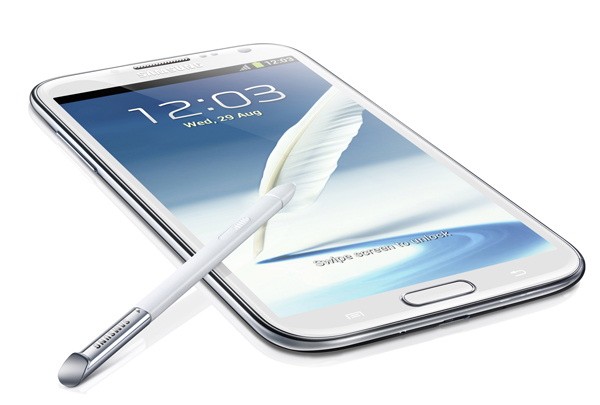
Samsung Galaxy Note II Coming to Verizon Tomorrow (Nov 29th)
With news of the Samsung Galaxy Note II hitting Verizon stores tomorrow, I thought it would be a good idea to go over this fabulous device one more time. For…
Android / by - 31 October, 2012 12:11 pm
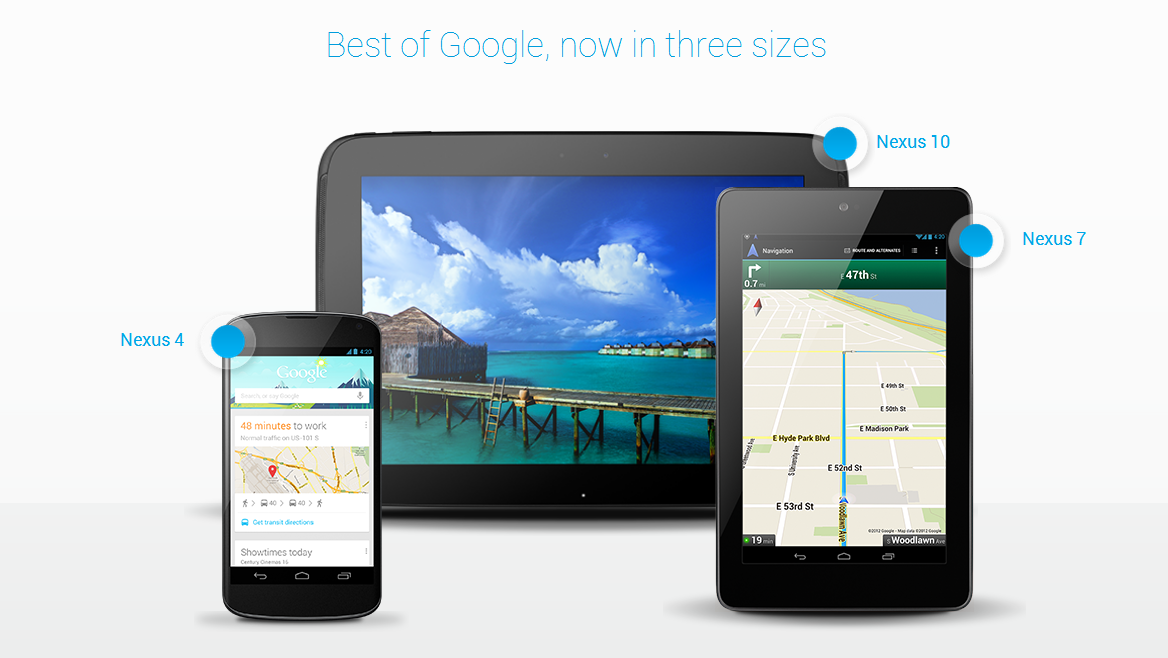
Google is Clearly Ready to Take on The Competition With Their Nexus Line Revamp
After months of rumors and speculation, Google has revealed their latest products in the Nexus product line. In addition to announcing the new Google Nexus 4, and a 16GB version…
Android / by - 29 October, 2012 1:00 pm
Android 4.2 is Here, It Is Still Called Jelly Bean
It is hard to fathom the fact that while devices like the Motorola Droid Bionic are just now getting the Android 4.0 Ice Cream Sandwich update, others are about to…

Android / by - 27 October, 2012 11:48 am
Indie Game of The Week: On The Rain Slick Precipice of Darkness 3
Indie games are undeniably more popular now than they ever were. Thanks to Steam and Valve, independently developed games are garnering lots of attention from the media and from gamers….
Android / by - 25 October, 2012 12:59 pm
Why Titanium Backup is Essential For All Android Users
If you’ve been around the Android scene for a while, then chances are relatively high that you don’t need a thorough explanation of Titanium Backup. Unfortunately, not everyone is well…
Android / by - 24 October, 2012 12:28 pm
Dragon Mobile Assistant by Nuance is a Free Siri-Like Assistant For Android 4.0 Devices
Thanks to Siri, voice-activated mobile, assistants are the latest trend. It seems like almost every phone manufacturer is now trying to accomplish voice dictation and voice search on a wide…
Smartphone News / by - 22 October, 2012 12:21 pm
Ice Cream Sandwich For The Motorola Droid Bionic is Here!
It is with pure delight that I can announce, the Motorola Droid Bionic Ice Cream Sandwich update is finally here! Speaking as a current Droid Bionic owner, it’s about damn…
Smartphone News / by - 17 October, 2012 9:06 am
Which 4 Inch Phone Should You Buy?
There was once a time when phones were getting smaller – the smaller the better. And then they started getting bigger. Then they got thinner. It seems the trends are…
Android / by - 14 October, 2012 1:14 pm
Madfinger Brings Multiplayer to Shadowgun in DeadZone
There aren’t many multiplayer games for Android. Although, in the past year, there has been an increase in their availability. Now there are games like Pocket Legends, Raging Thunder, Words…
Smartphone News / by - 11 October, 2012 1:11 pm
Float The Lazy River With Your Smartphone Thanks to ECOXGEARs Waterproof Accessories
There are all kinds of waterproof devices now, including cameras, smartphones and even portable media players. The increase in waterproof electronics is awesome, because there are times when you want…

Android / by - 18 September, 2012 11:11 am
DropBox Cloud Storage App
Thanks to the widespread adoption of mobile devices like smartphones and tablets, everything is stored digitally now. From working files, to spreadsheets, to music, photos and videos; people now save…

Android / by - 16 September, 2012 12:31 pm
The Bard’s Tale, a Classic Action-RPG, Now Available For Android And iOS
If you’ve never played the Bard’s Tale before, then you’re in luck, because it was recently re-released for Android via the Google Play market (and iOS too). It will also…
iPhone / by - 13 September, 2012 3:43 pm
The iPhone 5 is Here, And Apple Says it is The Biggest Thing to Happen to iPhone Since iPhone
It is finally here. After months and months of speculation and rumors, we can put everything to rest, at least for another year or two. Apple unveiled everything there is…
Android / by - 12 September, 2012 9:45 am
Shoot Your Friends, in Augmented Reality, With Hex3's AppTag Laser Blaster
Nerf Guns and Laser Tag comprise some of the most memorable activities in a great childhood. Keep in mind, we’re by no means saying they are the ONLY notable activities,…
Android / by - 6 September, 2012 3:54 pm
Ice Cream Sandwich Now Installed on One in Five Android Devices
In July, Google published statistics via the developer dashboard that clearly defined Gingerbread 2.3 as the most prominent version of Android on the market. For a fourteen day period, Google…